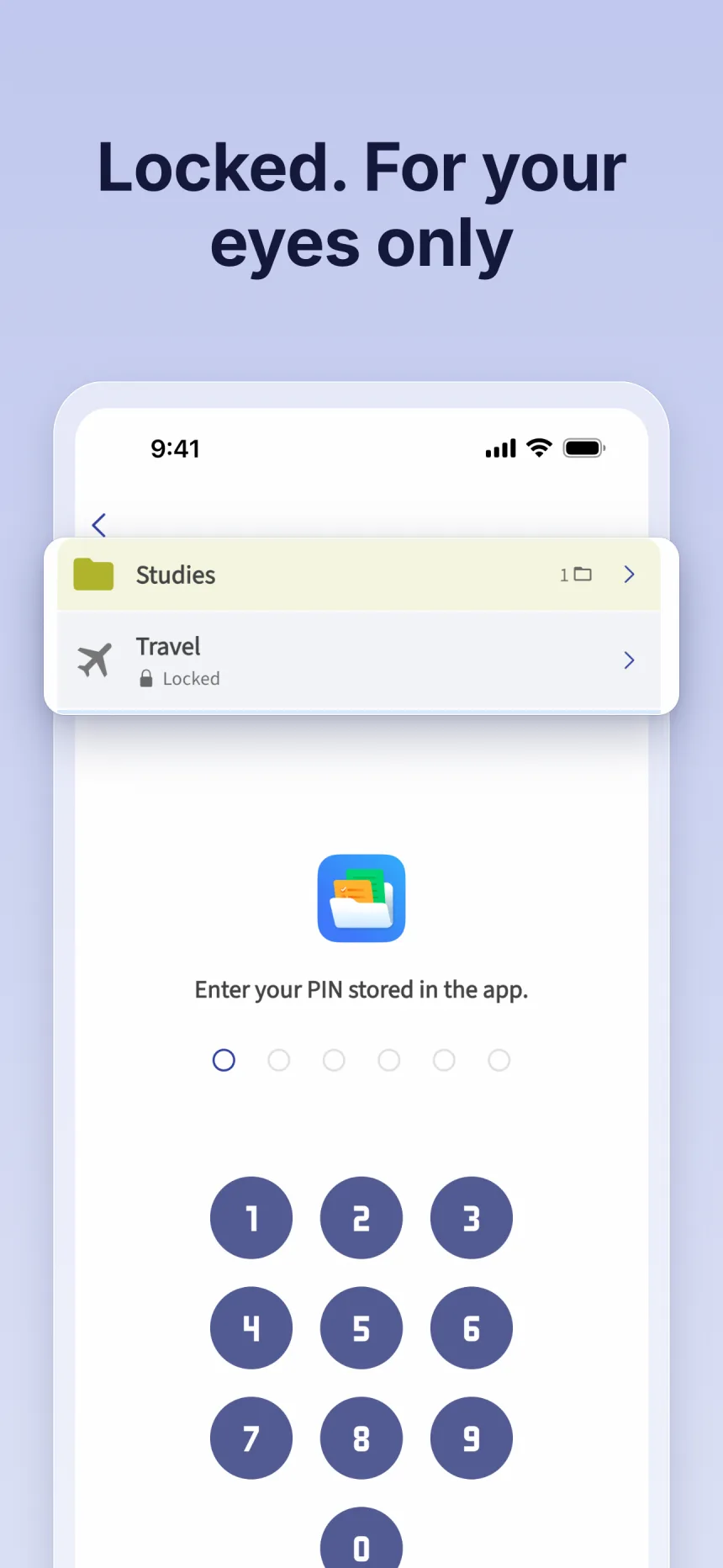
How Folino protects your notes
-
Lock notes and folders
Lock individual notes or whole folders. With a locked folder, everything inside stays hidden until you unlock it.
-
Lock the whole app
If you like, Folino asks you to unlock as soon as you open the app.
-
Your own PIN, plus fingerprint or face
It’s based on a PIN you set in Folino. Depending on your phone, you can also unlock with fingerprint or face unlock – the operating system does the check, the app never sees biometric data.
-
Free
Locking is a basic feature, no Premium needed.
Frequently asked questions
Does Folino store my fingerprint?
No. The operating system does the check entirely, the app only learns whether it succeeded.
What if fingerprint or face unlock doesn’t work?
Then simply enter your Folino PIN. It’s always the basis of the lock.
Does locking cost anything?
No. Locking notes, folders and the whole app is included in the free version.
More about Folino
- Notes app without a subscription Free basics, Premium as a one-time purchase – no monthly fees.
- Notes app without ads No banners, no pop-ups – even in the free version.
- Notes app without an account No sign-up, no internet needed – your notes stay on your device.
- Notes app for school One folder per subject, checklists for homework – free and ad-free.
Download Folino for free
Free for Android and iOS. No ads, no subscription.




Scan the QR code with your phone camera – the store opens right away.
